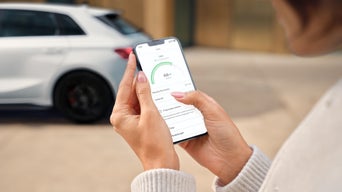
Keep an eye on your Audi.

With the digital services from Audi connect remote & control*, you can connect your Audi with the myAudi app* on your smartphone* and conveniently control important functions remotely – whether you want to set your comfort temperature before your journey or lock and unlock* the doors.

For drivers of electric vehicles in particular, special services are available that make using your Audi even more convenient. For example, you can control the charging process, check the battery status or adjust charging times to suit your needs from the comfort of your sofa. 

With Audi connect remote & control*, you always have an eye on everything and full control, no matter where you are. You can find out which options are available in the various models via the Audi model overview in the configurator or via your myAudi app*.

All services for Audi connect remote & control*

Trip data

Set off on your next adventure: no matter where your journey takes you, a clear display of your consumption, driving times and routes in the myAudi app* provides you with an overview of your trip data and therefore allows you to analyse your driving style.

Car Finder

Did you park your Audi in a hectic moment and now you no longer know exactly where it is? With the car finder service, you can find your Audi again in no time at all. Just open the myAudi app*, view the parked position on the map, start the navigation to the location if required and get back into your Audi quickly.

Vehicle status

Keep an eye on your Audi with the myAudi app*: whether it’s the oil or fuel level, vehicle messages or the locking of the windows and doors – everything is just a few clicks away on your smartphone*. As the driver of an electric vehicle, you benefit from the display of the electric range and the current charge status of your vehicle battery.

Remote locking/unlocking*

With the myAudi app*, you can conveniently lock and unlock* your vehicle remotely. Whether you’re in the café around the corner or in another city – enable access to your Audi without even having the key near the vehicle. Thanks to the myAudi registration process and the associated PIN allocation, your vehicle is protected against unauthorised access.

Remote charging

You can use the myAudi app* to monitor the charge status and range of your electric or plug-in hybrid vehicle and conveniently start the charging process using your smartphone. Plan your departure times and, if necessary, charge when electricity prices are cheaper or however suits you best. Your Audi will take care of the charging process right up to the start of your journey – in the most battery-friendly way possible.

Remote air conditioning

Your comfort temperature – right from the moment you get in: no matter whether you’re dealing with summer heat or winter cold, you can use the myAudi app* to adjust the interior of your Audi electric or plug-in hybrid vehicle to the perfect temperature before you set off. Activate the air conditioning even beyond the reach of the normal remote control – for a relaxed journey right from the start.

Remote auxiliary heating*

It’s a cold winter morning and you have to get to work early? By controlling the auxiliary heating* via the myAudi app*, you can control the temperature of your Audi with conventional drive from the comfort of your own home.

Theft alarm notification*, *

The myAudi App* will notify you* if the anti-theft alarm system* of your Audi is triggered. If tampering is detected, such as the unauthorised operation of doors, lifting of the vehicle or interference with the diagnostics interface, you will immediately receive a notification* on your smartphone*. This allows you to react quickly and potentially intervene. In addition, all alarms are logged.

Audi connect licence extension

Is your vehicle Audi connect-capable and are you already using Audi connect services*? In the myAudi app* you can see at a glance which licence is about to expire or has already expired. 

Here you can extend your licences with just a few clicks. Here is how: 

The most important steps

Step 1

Log in to myAudi with a verified myAudi account as a key user or secondary user. If you do not yet have a myAudi account, please register first.

Step 2

In order for the Audi connect licence extension to be displayed, you must add an Audi connect-capable vehicle to your myAudi account using the vehicle identification number (VIN).

Step 3

Then select the Audi connect services* for which you wish to extend the licence. To complete the purchase process, you must agree to the terms of use. The next time you start your vehicle, your digital services will be active again and can be used.
Further Audi connect packages*, *, *

Audi Navigation & Infotainment system

Navigation & infotainment*

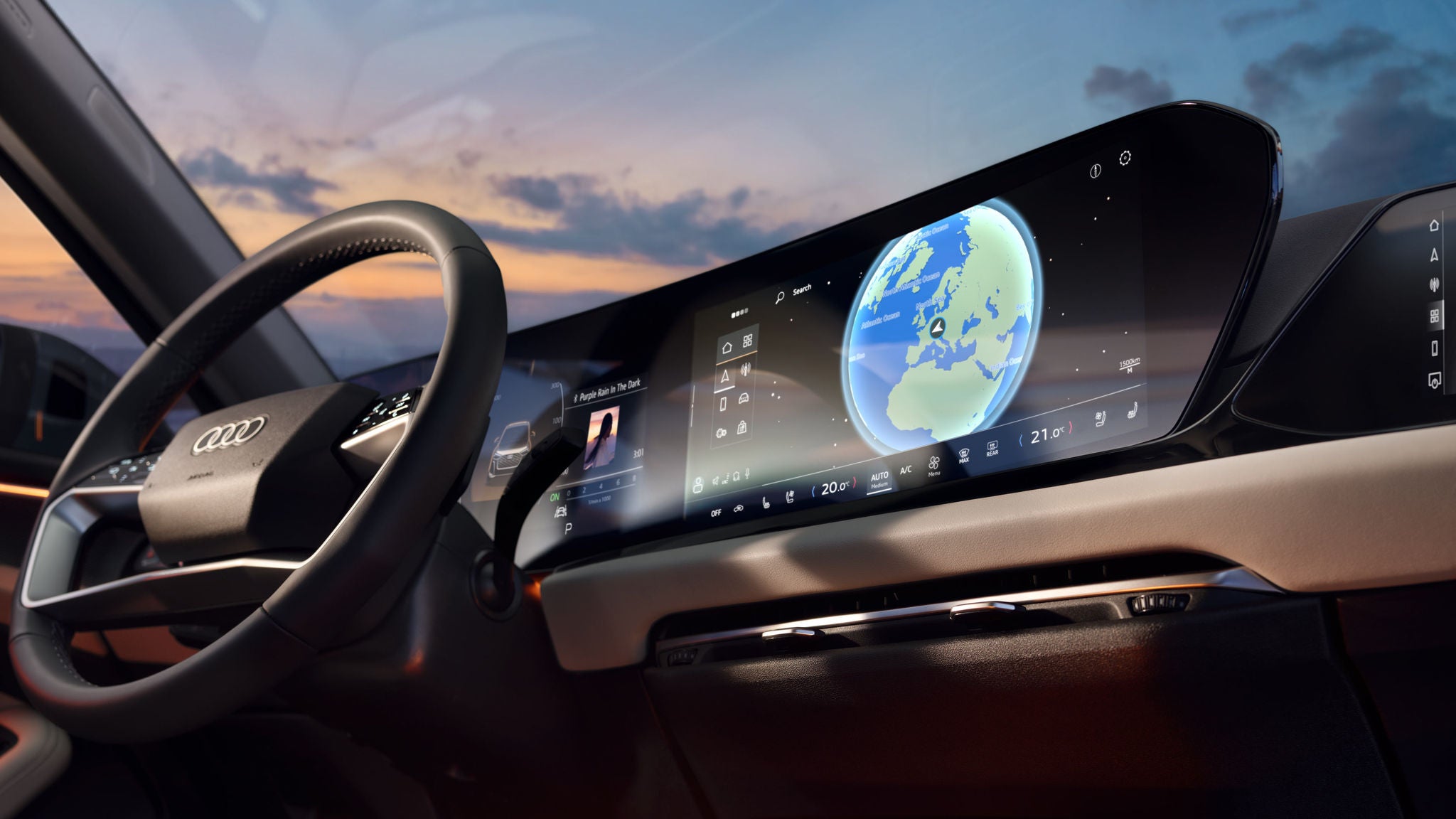
No matter where your journey takes you, Audi connect navigation & infotainment* will get you to your destination with ease. With up-to-date maps* and useful online services such as real-time traffic information, points of interest with fuel prices or vacant charging stations as well as the intelligent voice assistant*, your Audi helps you with route planning and ensures a pleasant journey.

Audi Notruf & Service

Emergency call & service*

Always on board – a reassuring feeling: whether you’ve had an accident, broken down or a service appointment is due, Audi connect emergency call & service* provides you with rapid assistance if the worst comes to the worst. Benefit from useful and predictive service functions and convenient appointment booking with your preferred Audi Partner. 

Audi Model overview

You don’t have an Audi yet?

Whether sporty, luxurious or compact – at Audi you will find the right vehicle for every requirement. Discover and configure our production models now.

Loading..